
Why Excel and Notion Stop Working for Personal Finance in 2026
We have all been there: a complex Google Sheet with 15 columns, color-coded categories, and "perfect" formulas. It looks great on a 27-inch monitor. But the moment you try to log a $5 coffee while standing in line, the system collapses.
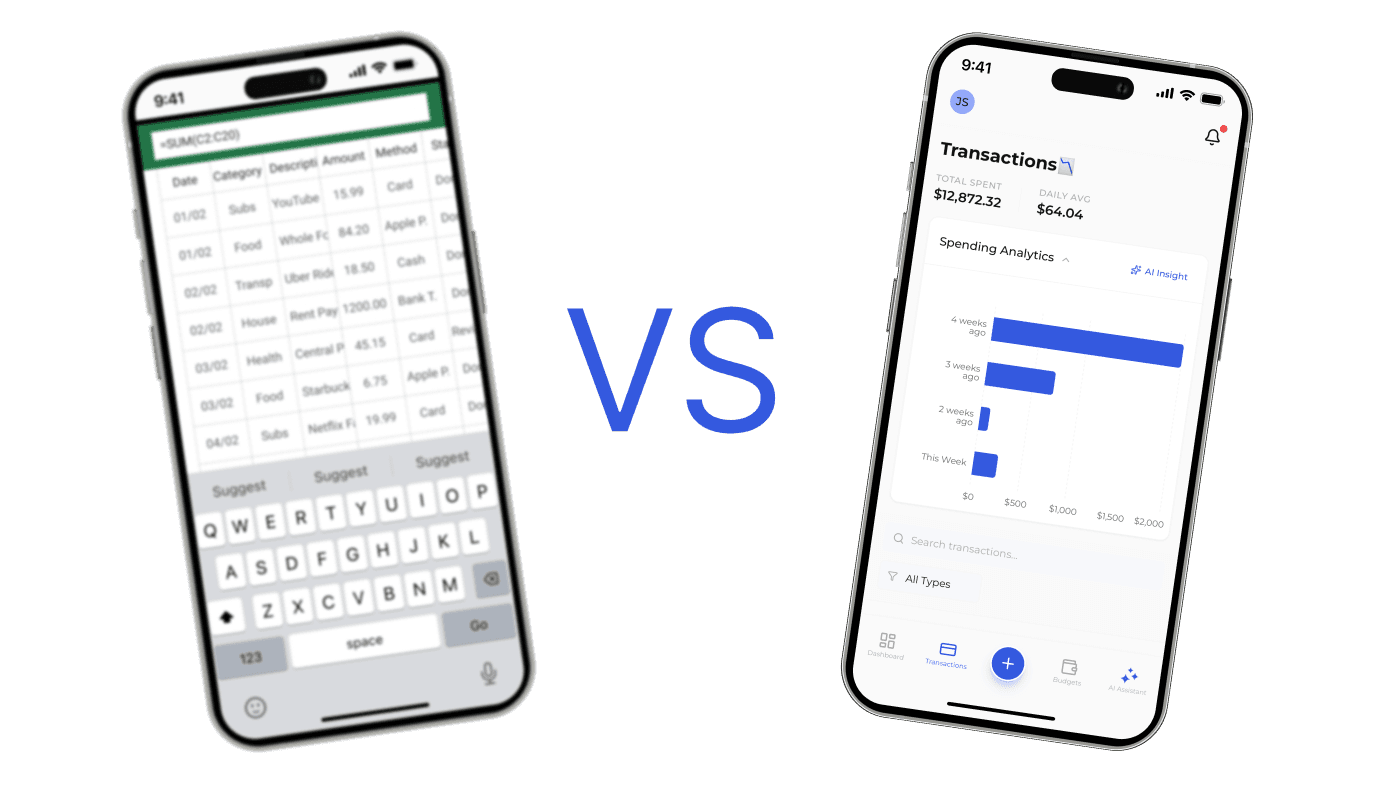
The Friction of Desktop Tools on Mobile
Spreadsheets were never designed for thumbs. They were designed for mice and keyboards. When you use Excel or Notion on your phone, you are fighting the interface instead of managing your money. This "friction" is the number one reason people stop tracking their budget after just one week.
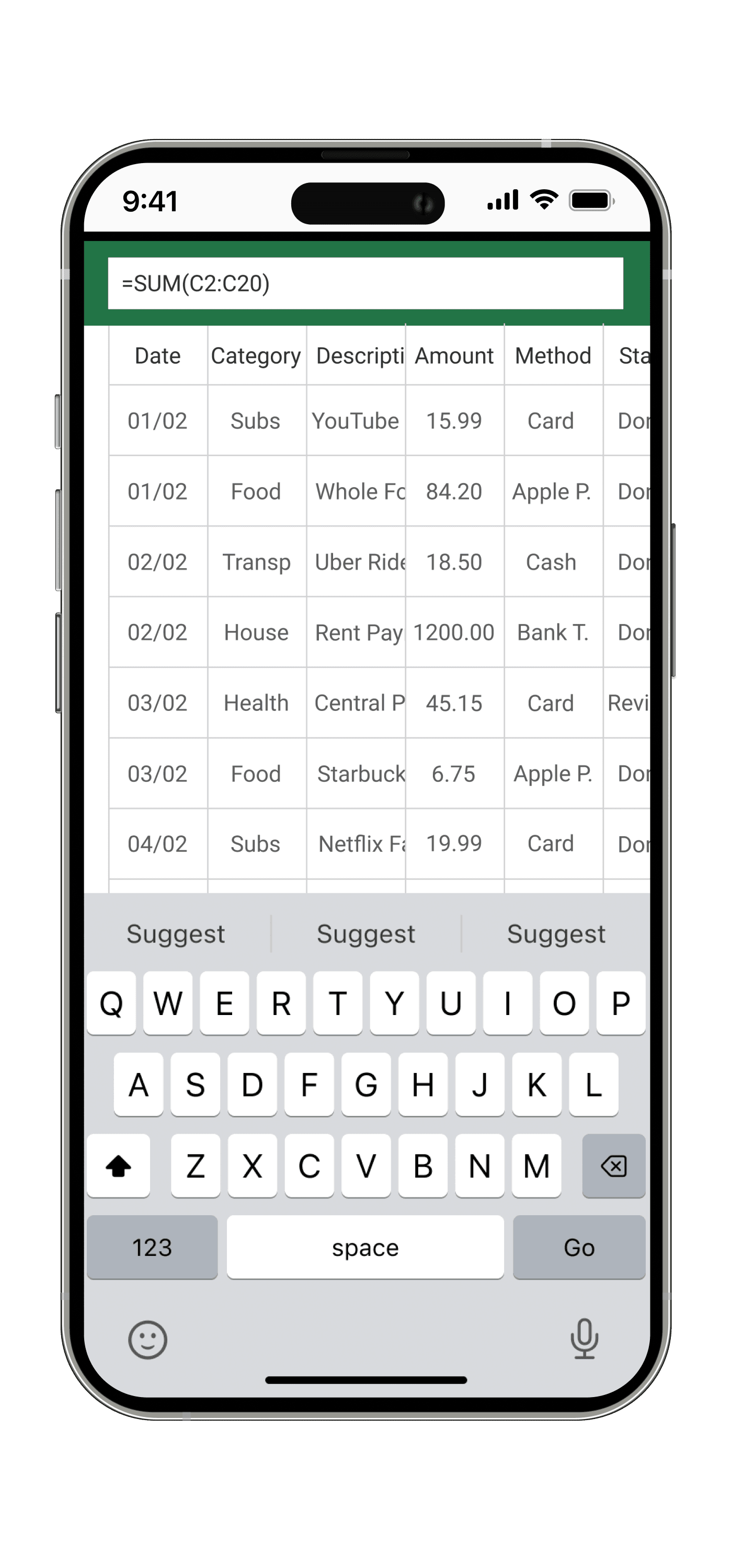
The 3 Main Reasons Spreadsheets Fail:
- Data Entry Lag: It takes 30-60 seconds to find the right cell and type a value.
- Visual Overload: You see too much irrelevant data at once, which causes mental fatigue.
- Manual Maintenance: You have to build your own charts; they don't update themselves gracefully.
Spendly: Designed for the "Now"
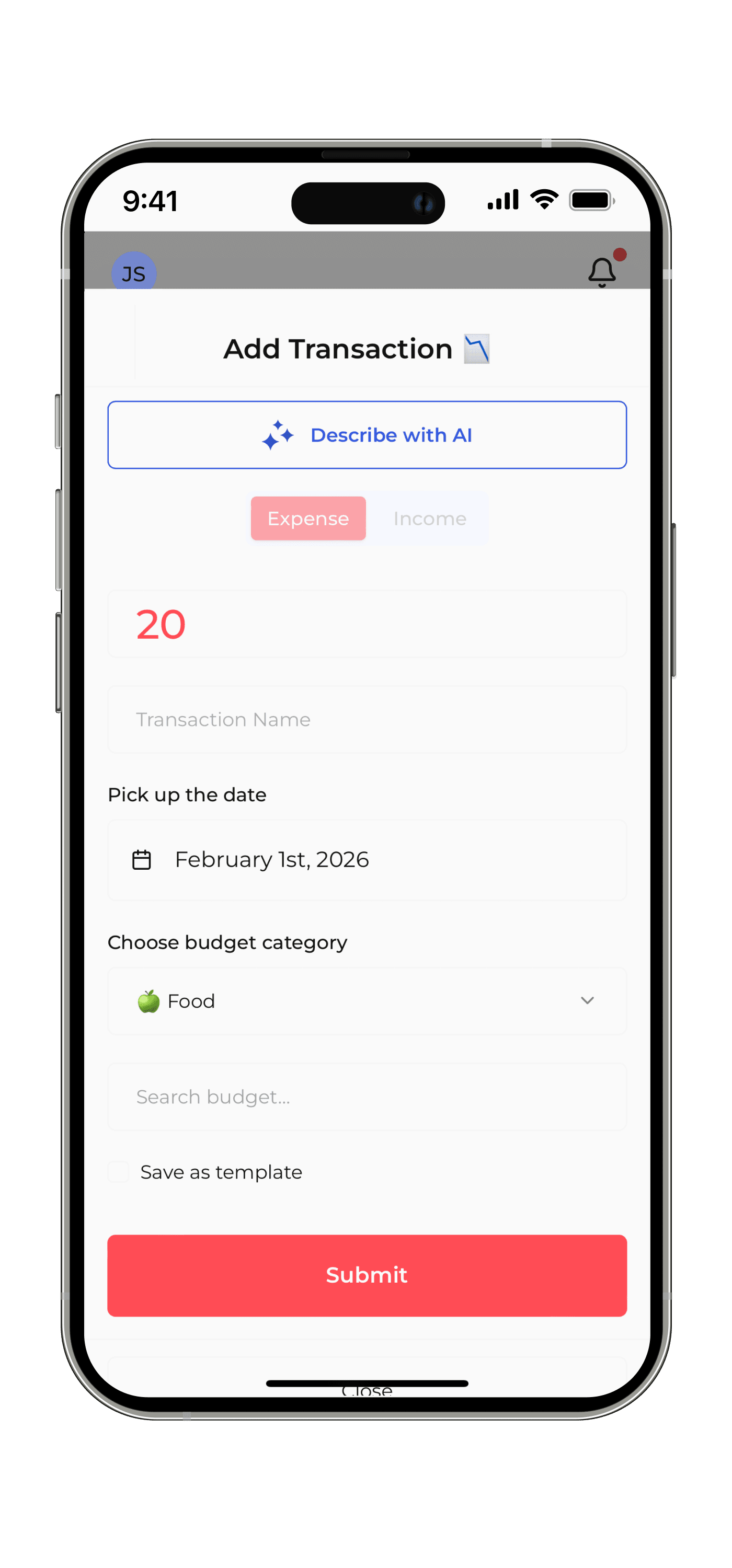
Spendly was built on a different philosophy: Speed equals Consistency. If it is easy to record, you will actually do it. Instead of navigating six columns of data, you see one beautiful interface designed for your hand.
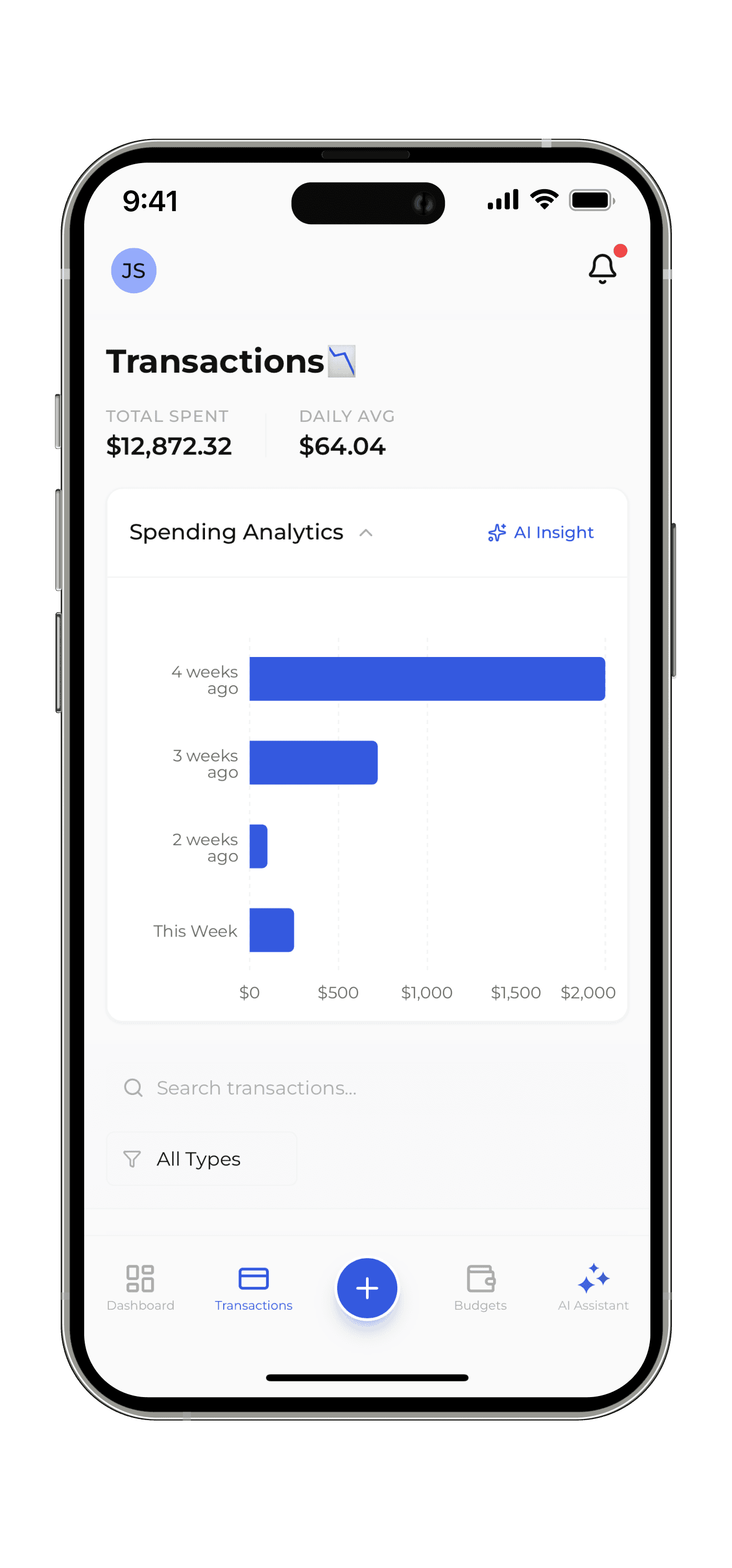
From Raw Data to Beautiful Clarity
In a spreadsheet, a "chart" is a static image that is hard to read on mobile. In Spendly, your data is alive. You get interactive visualizations that show you exactly where your money went, without you having to write a single =SUM() function or fix a broken VLOOKUP.
Ready to ditch the cells? Stop being a data entry clerk and start being a mindful spender. Your financial discipline shouldn't feel like a second job.